Artwork Guidelines
We want your design to look its absolute best! Please review these technical standards to ensure your project is production-ready.
Need help? If you would like help with your files, our design team is available to assist with recreating artwork or logos. We can provide a quick estimate for these design services upon request.
1. Accepted File Formats
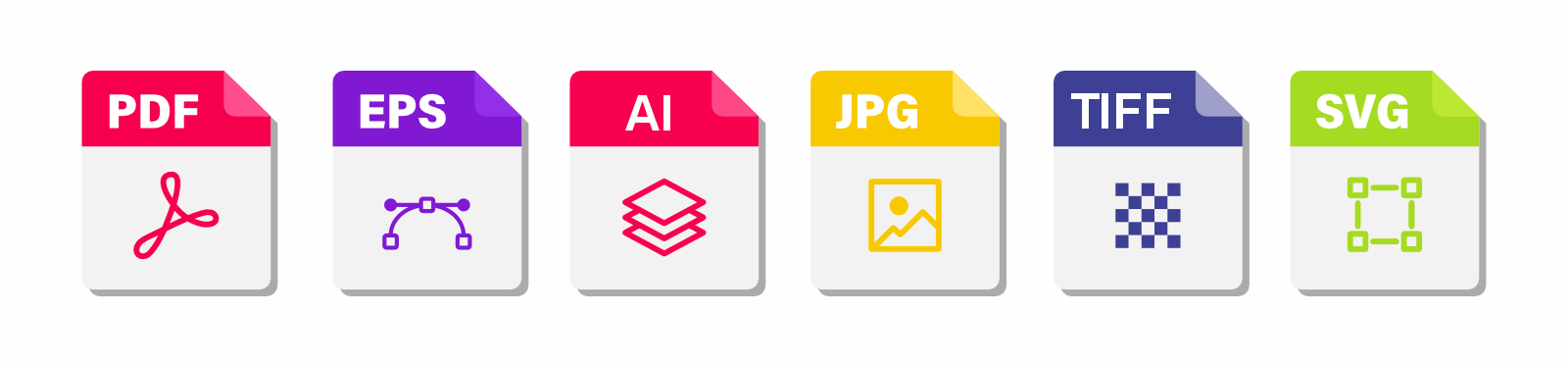
For the best results, we recommend these professional-grade formats:
 Note:
PNG and Word files are not recommended. Canva users: Please export as "PDF Print."
Note:
PNG and Word files are not recommended. Canva users: Please export as "PDF Print."
2. Resolution (300 DPI)
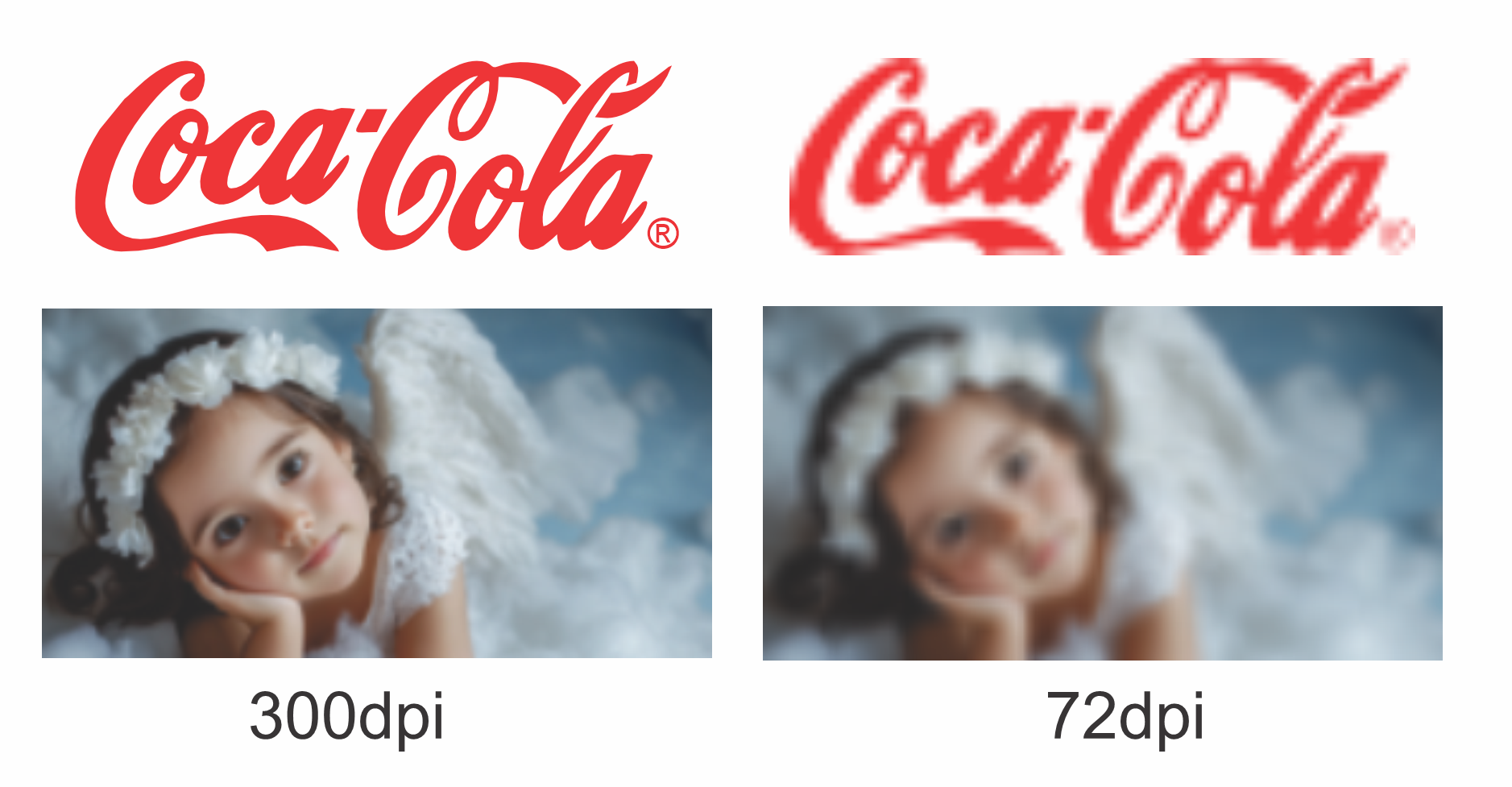
Images must be at least 300 DPI. Low-resolution images will appear blurry or pixelated when printed.
3. Vector Graphics (Enlarging & Contour Cutting)
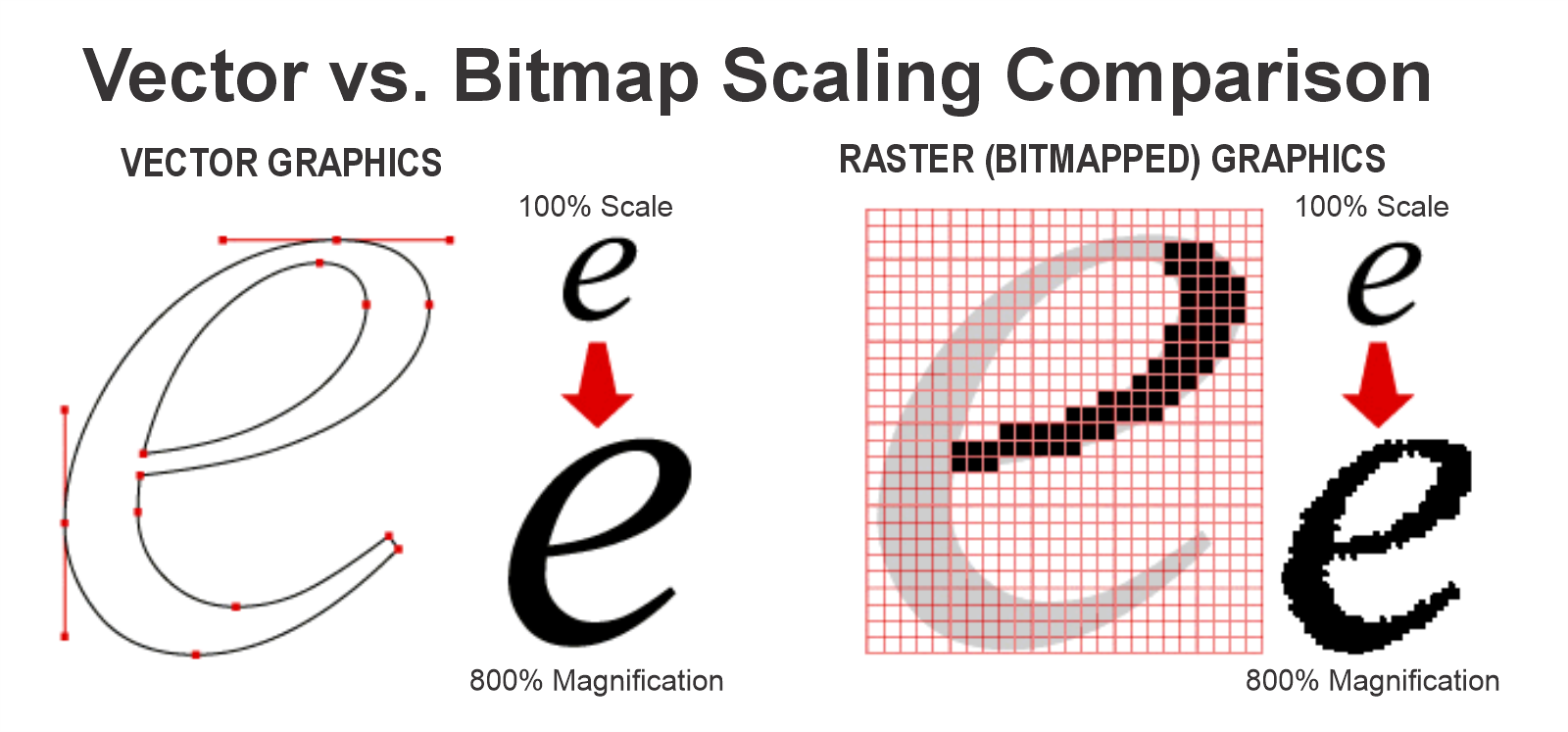
Vector art (AI, EPS, or PDF) allows for infinite resizing and is required for precise custom contour cutting.
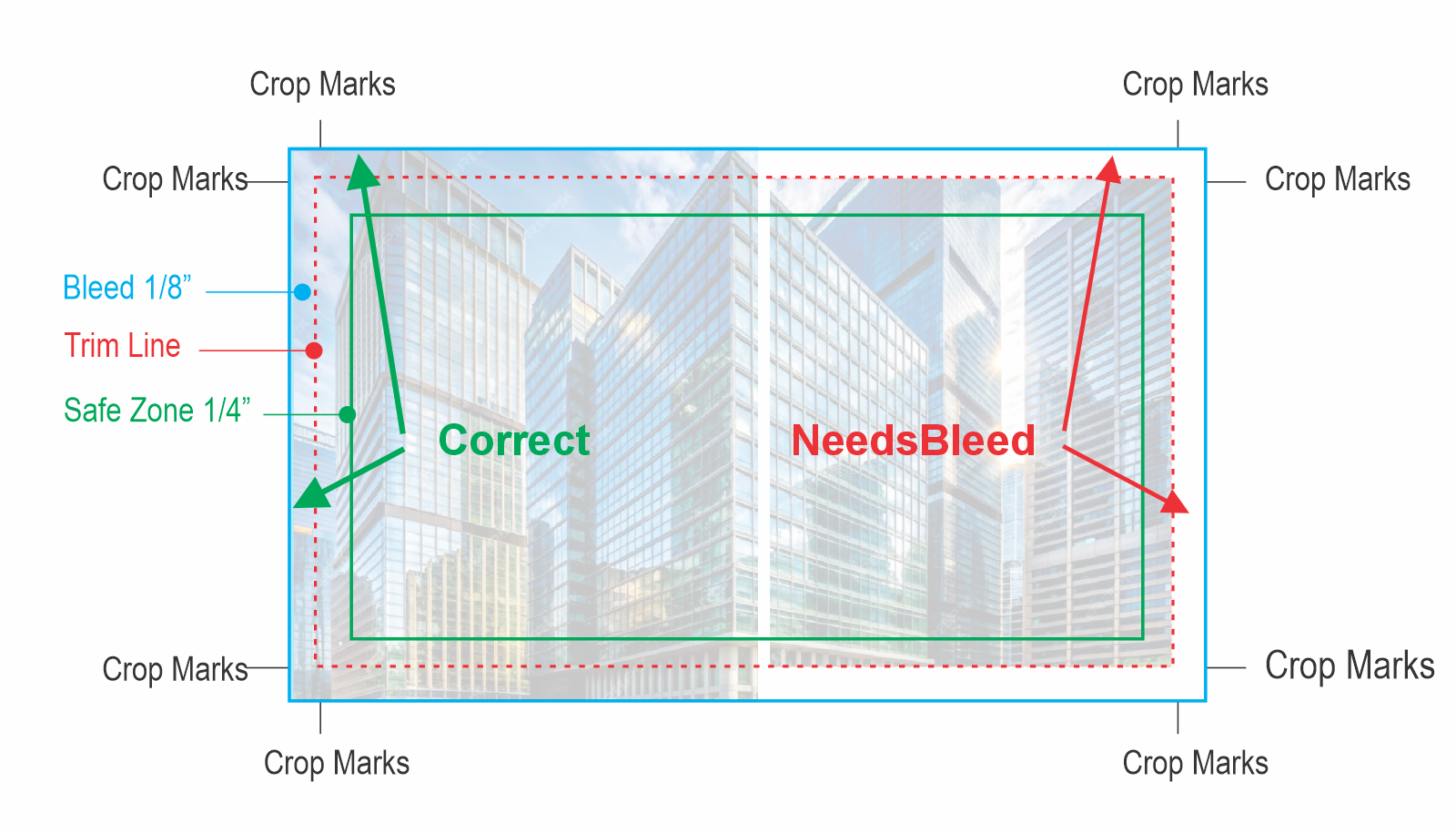
4. Bleeds (1/8 inch)
Backgrounds must extend 1/8" past the trim line on all sides to prevent white gaps after cutting.
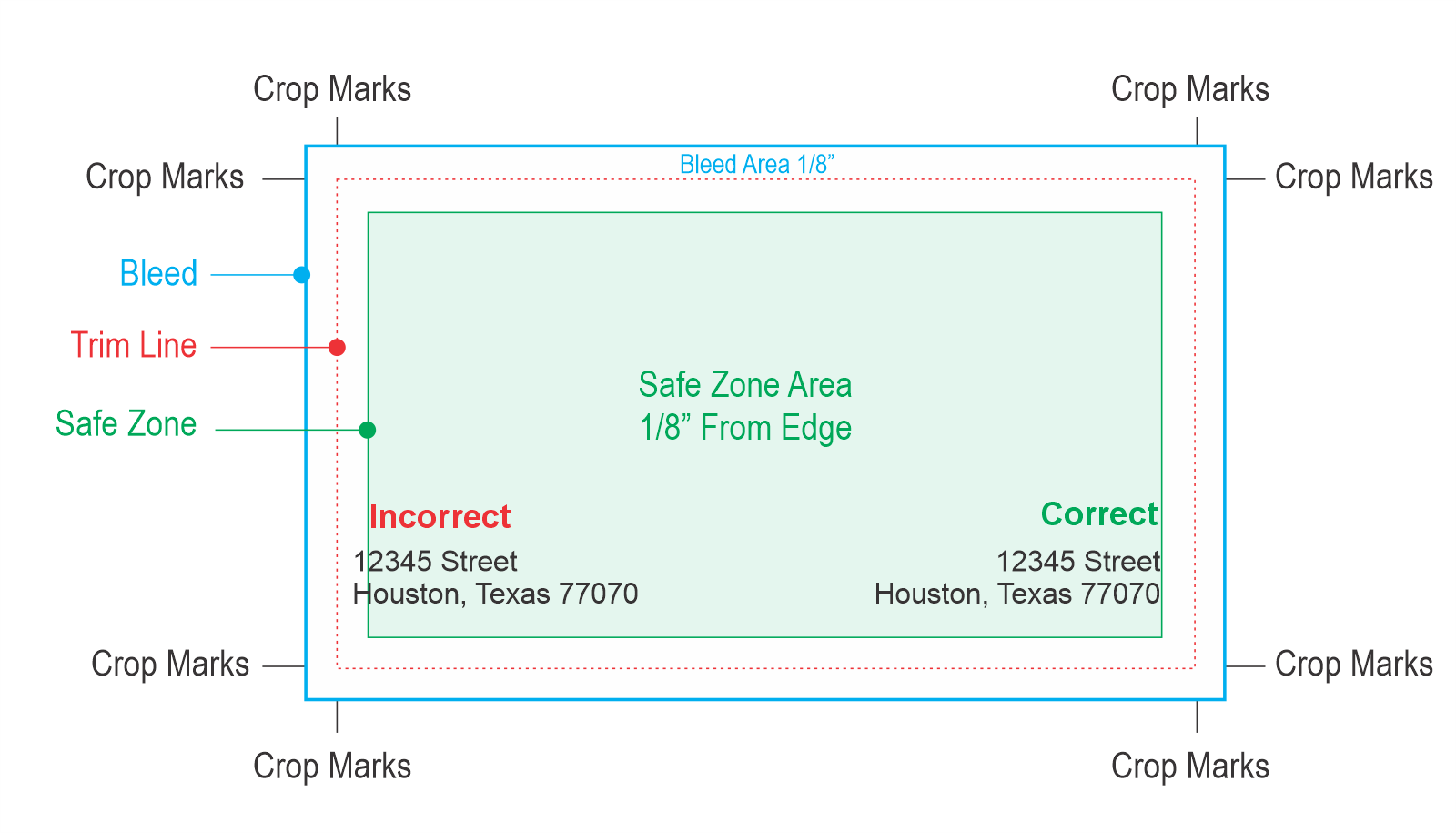
5. Safe Zone (1/8 inch)
Keep all text and logos at least 1/8" inside the trim line to avoid them being cut off during production.
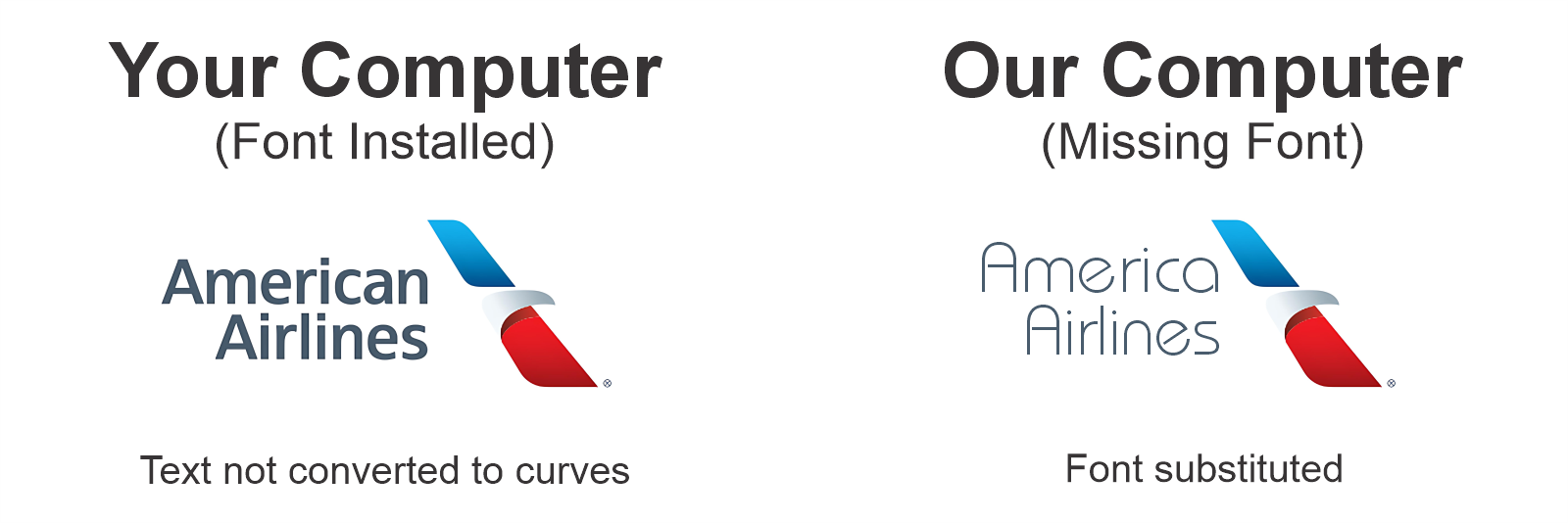
6. Fonts & Outlines
Convert text to outlines to ensure fonts do not change or disappear if the font is not installed on our system.
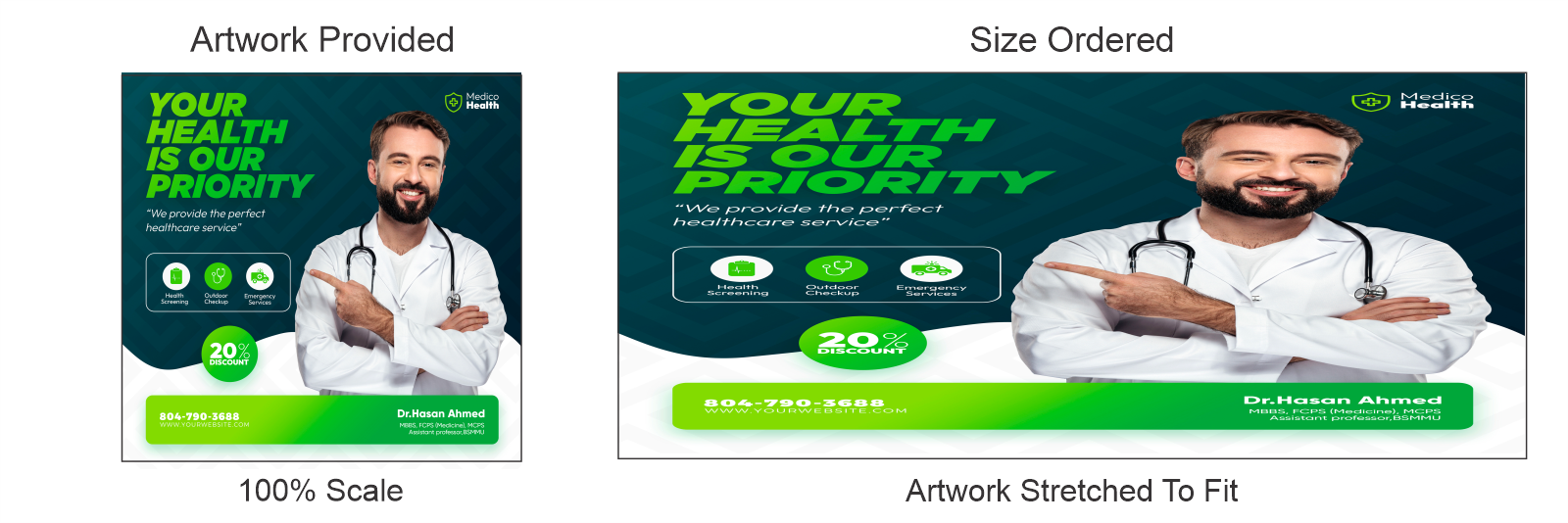
7. Dimensions & Aspect Ratio
Stretching artwork distorts images and text. Please provide files designed at the actual print size.
8. CMYK Color Mode
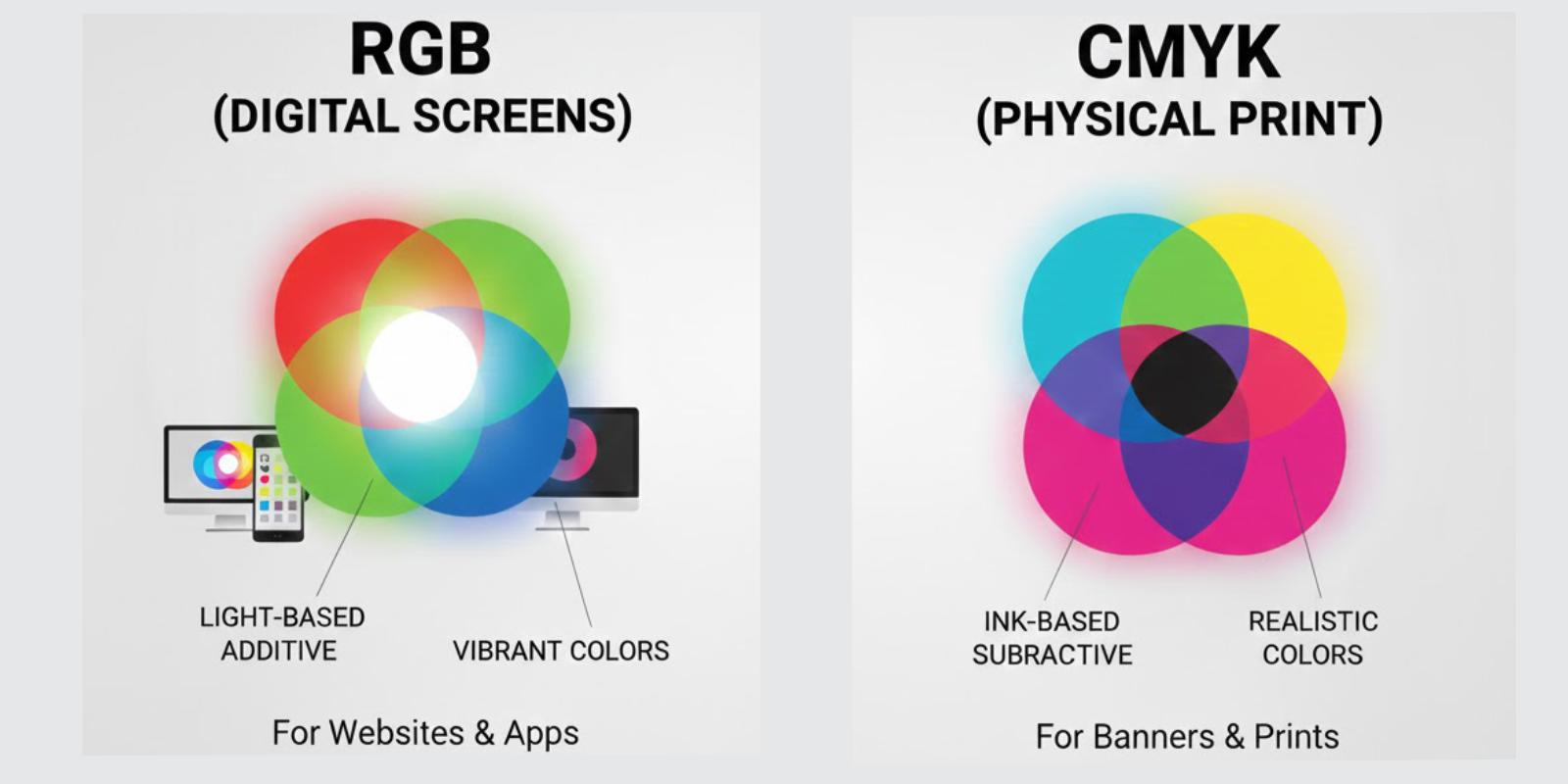
Files must be in CMYK. RGB files will experience color shifts toward muted tones when printed with ink.